Costs rise whenever the team grows
Invite employees and external collaborators without another per-user fee.
 Sola Fileserver Service
Unlimited users · Hosted in Japan
Start with 20 GB free and no credit card. In minutes, SFS provisions an isolated Nextcloud environment for your team. Pay only for the storage you need.
Stay on the free plan and add storage only when you need it.
Start secure file sharing without per-user pricing or the burden of running your own server.
Invite employees and external collaborators without another per-user fee.
Share with clients using expiry dates and passwords instead of email attachments.
Leave setup, updates and monitoring to SFS and focus on your work.
Keep data in Japan in an isolated Nextcloud environment for your team.
Everything you need for file sharing, ready to use.
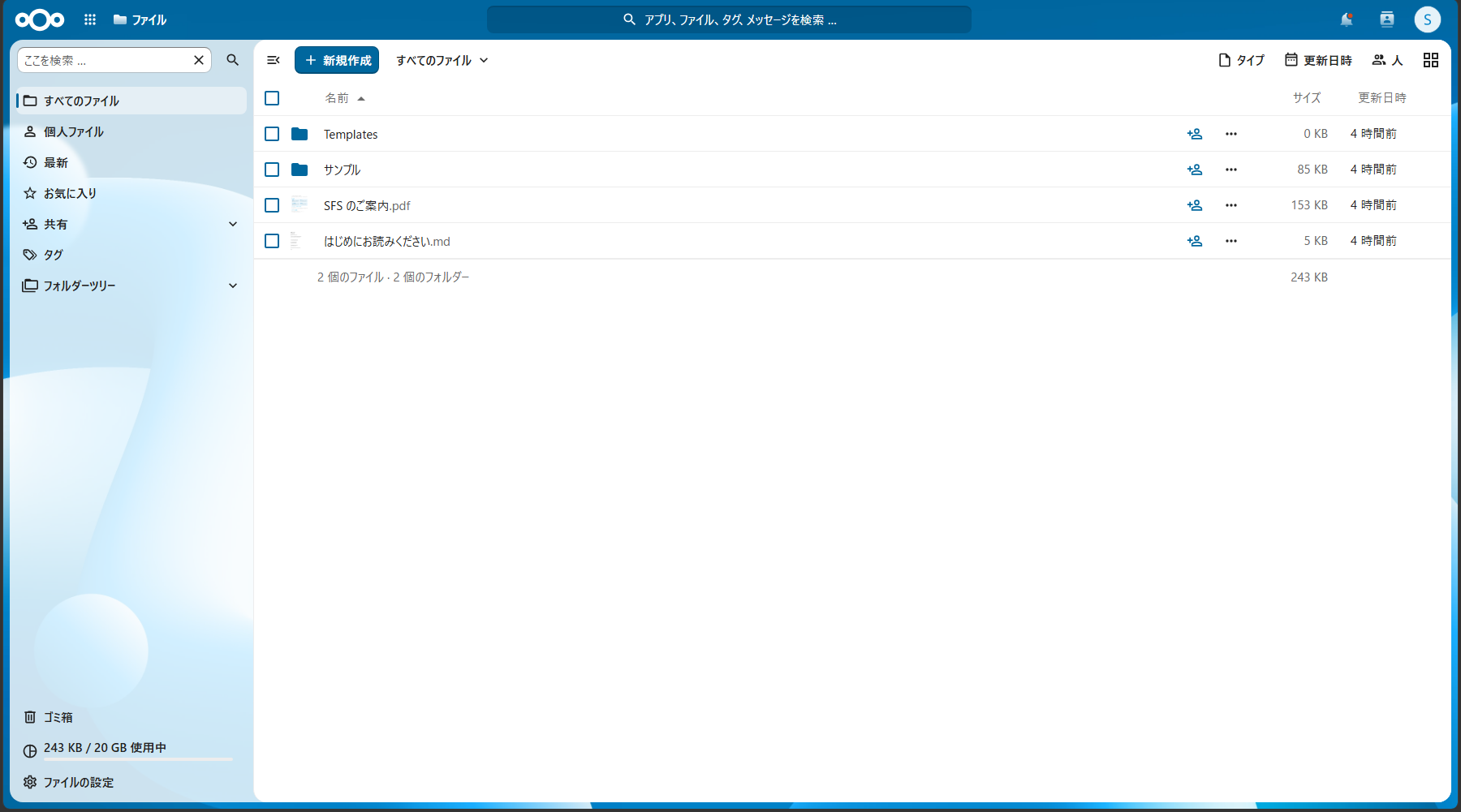
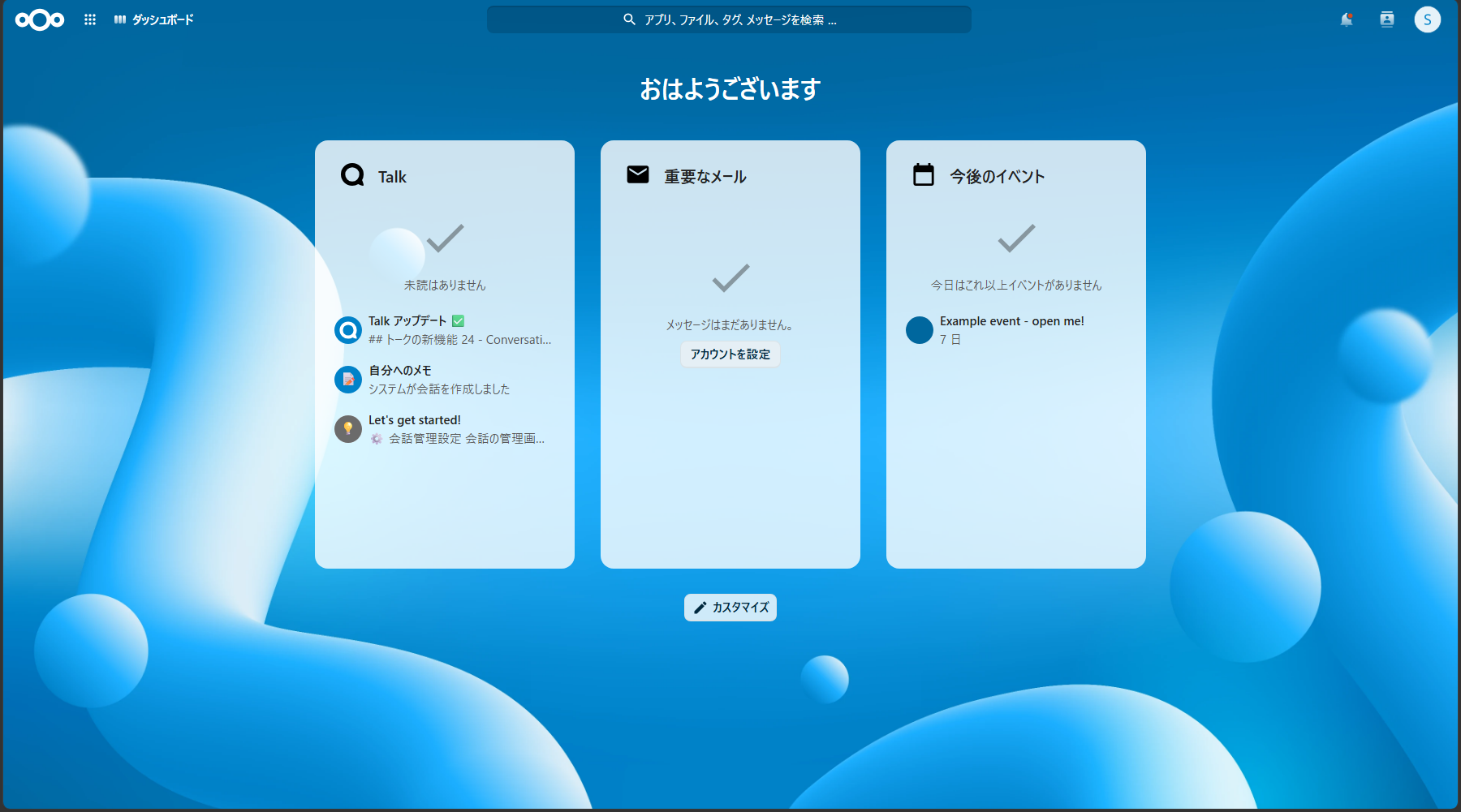
Within minutes of signing up, you get your own dedicated Nextcloud and URL (yourname.sfs.sola.inc). An isolated environment, never shared with other companies.
All data is stored on our own servers in Japan, designed and operated by Sola — a company where 80% of staff are engineers.
No extra charge no matter how many people use it. Pricing is based on storage alone — simple and predictable.
Set expiry dates, passwords, and download limits on share links. Exchange files with clients and partners safely.
One-time-code two-factor authentication is built in, so you can strengthen account protection from day one.
Access from your browser, the Windows/Mac sync client, or the official Nextcloud iOS/Android apps.
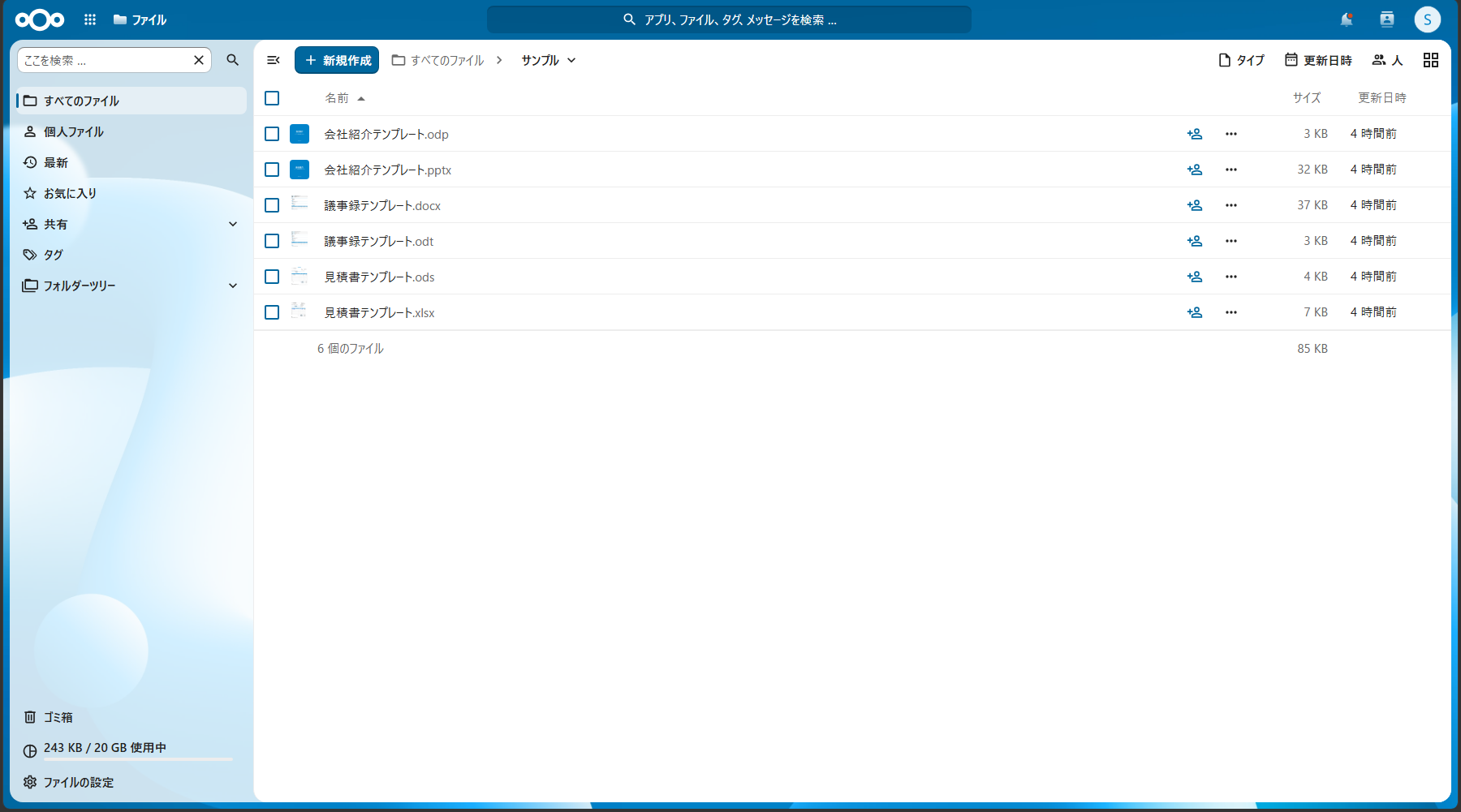
From file management to editing office documents — all in your browser.
SFS combines storage-based pricing with managed operations.
| Comparison | SFS | Typical per-user cloud | Self-hosted Nextcloud |
|---|---|---|---|
| Main cost basis | Storage capacity | Usually users and plan | Hardware, setup and operations |
| Environment | Isolated for each team | Depends on the service | Depends on your setup |
| Setup and updates | Handled by SFS | Handled by provider | Handled by your team |
| Data region | Japan | Depends on contract and settings | Depends on hosting location |
| Time to start | Minutes after signup | Usually a short time | Requires setup work |
This compares common deployment models. Actual features and terms vary by service, contract and configuration.
Start free and add storage only when you need it. All prices include tax; users are always unlimited.
Add paid storage from your dashboard after signing up.
Storage changes are prorated within the billing period. After cancellation you can keep using the service until the end of the current billing period. There are no prorated refunds for mid-term cancellation or account deletion.
Need approval workflows, large capacity, or a security review? Talk to us about SFS
Check the free plan, operations and data handling before you start.
There is no set expiry date. An inactive Free environment may be automatically hibernated, then starts again when accessed.
There is no per-user fee or plan-level user cap. Use remains subject to your selected storage capacity and the Terms of Use.
Data is stored on servers operated by Sola in Japan. Each team gets a logically isolated Nextcloud environment, not a physically dedicated server.
Free and storage-pack plans include online, best-effort support. There is no SLA guaranteeing uptime or response times.
We take daily encrypted backups for disaster recovery. The initial service is in one site and recovery of every point in time is not guaranteed. Keep your own backup of important data as well.
You can move files through the browser, official Nextcloud sync clients or WebDAV. Contact us first for large migrations or specific requirements.
After cancelling a paid subscription, you can use the service until the billing period ends and export data with standard tools. Account deletion is a separate action that starts deleting the environment and data immediately, so save anything you need first.
Your user access and core features stay the same while storage capacity increases. Add a monthly or annual storage pack from the dashboard after signing up.
SFS is operated by Sola K.K. Company
Your data is stored on servers we operate ourselves in Japan.
Each team gets its own isolated Nextcloud environment, with two-factor authentication and permission- and expiry-controlled share links.
Terms of Use ・ Privacy Policy ・ Legal Notice (Commercial Transactions)
If your verification email is missing or has expired, you can now request a new one.
More emails and error screens are now available in Japanese and English, with clearer next steps.
Chunked uploads have been improved for more reliable transfers of large files.
Storage packs are now available with monthly or annual billing, together with invoices and receipts.
SFS is now available, giving teams their own Nextcloud environment in minutes.
No credit card needed. Your own file server is just a few minutes away.